


Pay by Invoice
Shop first, pay later. Pay by Invoice is a flexible payment method that lets you shop on Amazon today, receive and try your items at home, and pay for each order within 14 days.
View all questions or scroll down for the most common ones.

Frequently Asked Questions
What changes for me?
One invoice per order: Each order receives a separate invoice with a 14-day due date. The switch from Monthly Invoice to Pay by Invoice happens automatically between October 1th and November 15th. You do not need to take any action. For future orders using Pay by Invoice, you will receive a new payment reference. Please always use the specific invoice's reference number for manual bank transfers.
What exactly is Pay by Invoice?
With Pay by Invoice, you do not pay immediately when placing the order. Instead, you pay later via Riverty; once your invoice has been issued, you have 14 days to settle it.
Why is Amazon making the change?
To make the payment process even simpler and clearer for you, Monthly Invoice is being switched to Pay by Invoice. This allows you to keep track of the exact amount and due date for each individual order.
How does Pay by Invoice differ from Monthly Invoice?
With Monthly Invoice, all your orders are combined into a single payment with a due date on the 15th of the following month. With Pay by Invoice, each order receives its own invoice, payable within 14 days after your purchase. Just like Monthly Invoice, Pay by Invoice is completely free of charge. There is no interest or processing fee, provided you settle your invoice within the 14-day payment period. (Late payment fees apply only if payment is delayed).
What happens to outstanding Monthly Invoices?
Existing Monthly Invoices remain valid and unchanged, with a due date on the 15th of the following month, as usual. Please continue to use your existing payment details for this. However, following the switch, no new purchases can be added to a Monthly Invoice.
With Pay by Invoice, you don't need to pay at checkout directly. Instead, you pay later with Riverty.
Once your invoice has been issued, you'll have 14 days to pay.
You can view your invoice, payment details, and payment due date at any time here or navigate to 'Your Account' -> 'Your Payments' -> 'Invoice' in your Amazon account.
How do I pay my Invoice via direct debit?
You can pay your Invoice effortlessly with just one click!
Simply select 'Pay now' in your Invoice within your Amazon account, and your payment will be securely debited via SEPA direct debit. You only need to enter your bank details once - after that, you can pay next Invoices instantly with a single click.
You can find your Invoice including the direct debit payment option here or navigate to 'Your Account' -> 'Your Payments' -> 'Invoice' in your Amazon account.
When paying with the Pay Now option, the payment is only applied to the Invoice for which the payment was mandated.
Why is direct debit not available for me?
This option will not be available if your billing address is outside Germany, Austria or Finland, if a previous direct debit payment was declined or if the claim has been transferred to a debt collection agency.
However, you can easily pay via bank transfer using the provided payment details. Your payment reference remains the same each month, so you can save it as a template in your online banking for quick and convenient future payments.
My direct debit payment was not successful - how do I proceed?
No worries! If your direct debit payment didn't go through, you can still complete your payment via bank transfer. Simply use the bank details provided in your Invoice and include the direct debit decline fee of EUR 4.50. This ensures your payment is processed smoothly.
You can pay at any time after you have successfully placed an Amazon order with Invoice via bank transfer.
If you received an item that you did not order, follow these steps to determine the next steps:
- Log in to your Amazon account and review your Order History to see if the item is linked to an order placed by you. If you share your account or payment methods with family members, check if someone else placed the order.
- Sometimes, friends or family members may send gifts directly from Amazon. Check with them to see if they sent you the item.
- If you cannot trace the item back to any known order, it may have been sent by mistake or could be fraudulent. In this case, please contact Amazon here to receive a return label for free return.
- If you have also received payment instructions for this item from Riverty, please also reach out to the Riverty Customer Service via "Contact us".
Why use Pay by Invoice?
-
Try before you pay
Receive your order first, try it at home, and only pay for the items you keep.
-
14 days to pay
Enjoy a full 14 days from shipment to settle your invoice, with no hidden fees.
-
Easy returns
If you return an item, your invoice is updated so you only pay for what you keep.
-
Reminders
We'll remind you before your payment is due, so you can stay on top of your payments.


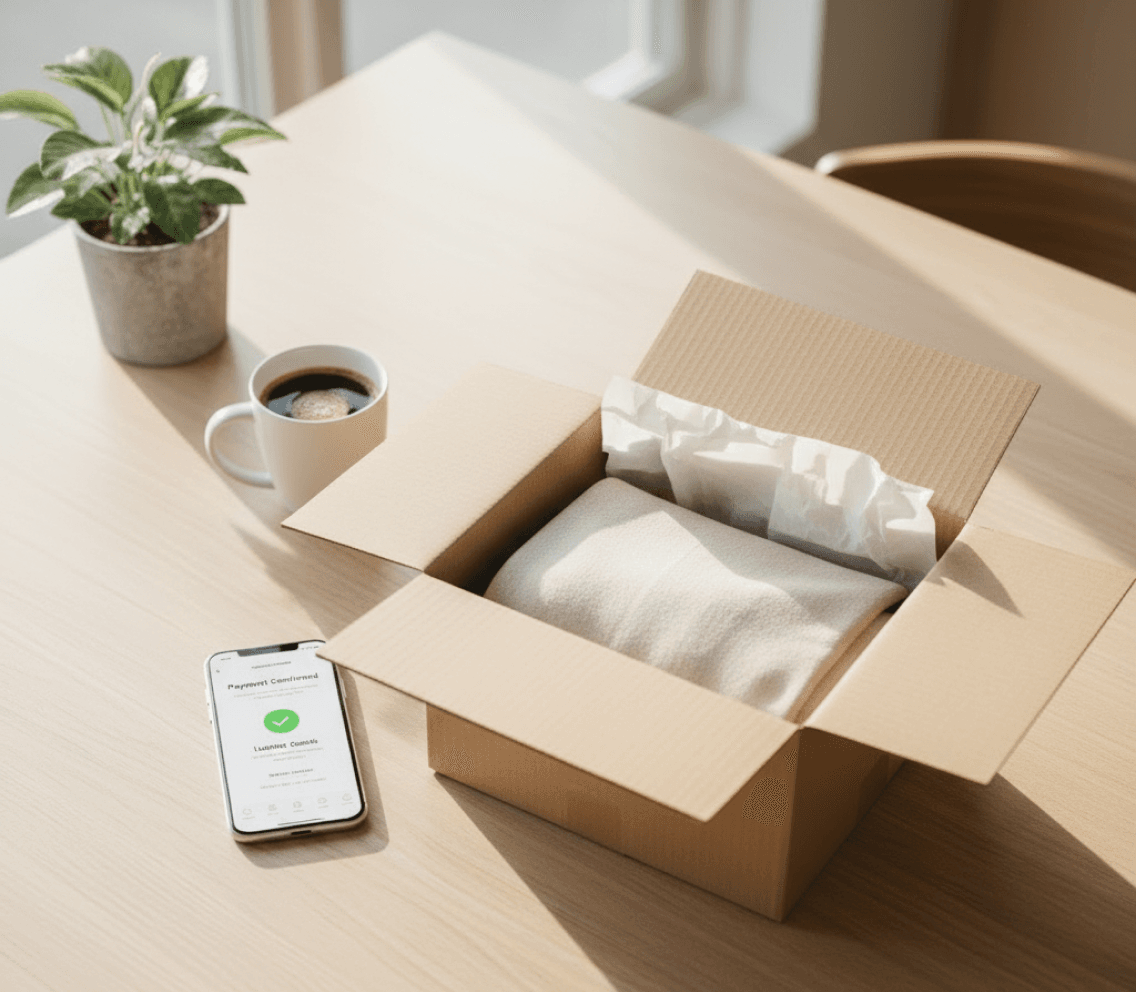
How to set up Pay by Invoice
Get started in 4 steps:
-
Step 1
Go to Your Account > Your Payments
Select Add a Payment Method, then choose Pay by Invoice.
-
Step 2
Add your details
Select your country, enter your full name and date of birth, then select or add a billing address
-
Step 3
Choose Pay by Invoice at checkout
Shop and receive an invoice for your purchase and wait for it to soon be delivered
-
Step 4
Pay the Invoice within 14 days
Initiate a bank transfer or pay with Direct Debit on Amazon.de to get charged on your selected bank account